Picture a German procurement manager opening your SaaS product for the first time. She's evaluating three competing platforms. Within ninety seconds, she's formed an opinion about whether your product is trustworthy enough to put in front of her CFO. She hasn't read a single feature description. She's reacting to your UI/UX design — the density of your dashboard, the clarity of your data labels, the presence or absence of a privacy notice on the login screen. That reaction will shape whether your product makes the shortlist or gets quietly closed.
This is the reality of selling B2B SaaS into European markets. Design is not decoration. It is the first and most persistent signal of product quality, company credibility, and cultural fit. And yet most product teams treat European localisation as a translation task rather than a design challenge — and pay for it in low activation rates, stalled enterprise deals, and churn they can't explain.
This guide is for product teams, founders, and digital decision-makers who want to build SaaS interfaces that genuinely perform across the UK, Germany, the Netherlands, and the Nordics. We cover research methodology, localisation architecture, accessibility compliance, interface patterns that drive adoption, and how to commission design work that delivers results across diverse European markets.
The assumption that a well-designed product for one market will work everywhere is one of the most expensive mistakes in SaaS. European B2B markets are not a monolith. They share a regulatory framework — GDPR, the European Accessibility Act, EN 301 549 — but they differ significantly in user expectations, design aesthetics, and the signals that communicate trust.
A dashboard that feels clean and modern to a London-based operations manager may feel sparse and untrustworthy to a German finance director who expects explicit data controls and detailed audit trails. An onboarding flow that works beautifully for a Dutch startup team may feel patronising to a senior buyer in Stockholm who expects to configure the product herself without being guided through a tutorial.
These differences are not superficial. They affect feature adoption rates, time-to-value, and enterprise deal velocity. When your UI/UX design fails to account for them, the symptoms show up in your product analytics: users who complete onboarding but never activate a core feature, enterprise trials that stall at the team-invite step, and support tickets that reveal confusion about functionality that seemed obvious in your internal testing.
The good news is that these problems are solvable, but only if you treat European market diversity as a design input from the start, not a localisation task at the end.
Before you can design for European B2B users, you need to understand what they actually expect from business software. The differences are real, consistent, and well-documented by UX researchers who work across these markets.
UK B2B users are pragmatic and efficiency-focused. They've been using SaaS tools for longer than most European counterparts and have high baseline expectations for polish, speed, and clarity. They respond well to concise copy, clear information hierarchy, and interfaces that get out of the way. What they don't tolerate is friction, slow load times, unclear navigation, or onboarding flows that feel like they were designed for someone with no prior SaaS experience. The UK market also has strong expectations around mobile responsiveness, with many business users switching between desktop and mobile throughout the working day.
German B2B users prioritise trust above almost everything else. This manifests in specific design preferences: explicit data controls, visible privacy settings, detailed documentation, and interfaces that show their work. A German user wants to understand exactly what your product is doing with their data, and they want that information surfaced in the UI, not buried in a terms page. They also tend to prefer higher information density than UK or Nordic users, and they're more likely to read tooltips, help text, and inline documentation before taking action. Ambiguity in UI copy is a trust-killer in this market.
Dutch B2B users are internationally minded, pragmatic, and have a high tolerance for innovation. They're often early adopters of new SaaS categories and are comfortable with English-language interfaces. What they won't accept is unnecessary friction or interfaces that feel over-engineered. The Netherlands has a strong design culture, and Dutch users notice when visual design is inconsistent or when UI patterns feel borrowed from a different era. They also have high expectations for integration capability, they want to see API documentation, integration partners, and data export options surfaced prominently.
Nordic B2B users have grown up with some of the world's most digitally advanced public services and consumer apps. Their baseline for digital quality is extremely high. They favour minimalist design aesthetics, flat information hierarchies, and interfaces that respect their time. Accessibility is not just a compliance requirement in Nordic markets, it's a cultural expectation. Swedish and Finnish public procurement, in particular, treats accessibility compliance as a hard requirement, not a nice-to-have. Nordic users are also highly sensitive to dark patterns, manipulative UX, and interfaces that prioritise engagement metrics over user control.
Generic user personas don't survive contact with European market diversity. A persona labelled "European B2B Manager" tells you almost nothing useful about how to design a dashboard for a German finance director versus a Swedish operations lead. Effective UX research for multi-market European products requires a more disciplined approach.
Remote moderated testing, where a researcher guides a participant through tasks while observing their behaviour in real time, remains the most reliable method for uncovering market-specific usability issues. For European B2B products, this means recruiting participants from each target market separately, running sessions in the participant's preferred language where possible, and analysing results by market rather than aggregating them. A usability issue that appears in 2 out of 5 German sessions but not at all in UK sessions is a market-specific signal, not noise.
The jobs-to-be-done framework is particularly effective for B2B SaaS research because it focuses on the outcomes users are trying to achieve rather than their demographic characteristics. Interviewing procurement managers, operations leads, and finance teams across your target markets about the jobs they're hiring your product category to do will surface the functional, emotional, and social dimensions of their decision-making, and reveal where your current UI/UX design is creating friction in that process.
Heatmaps, session recordings, and product analytics are valuable complements to qualitative research, but they tell you what is happening, not why. A high drop-off rate on your team-invite screen in Germany might reflect a UX problem, a trust problem, or a pricing model problem. Qualitative research is what separates those explanations. Use quantitative data to prioritise which screens and flows to investigate, then use qualitative methods to understand the root cause.
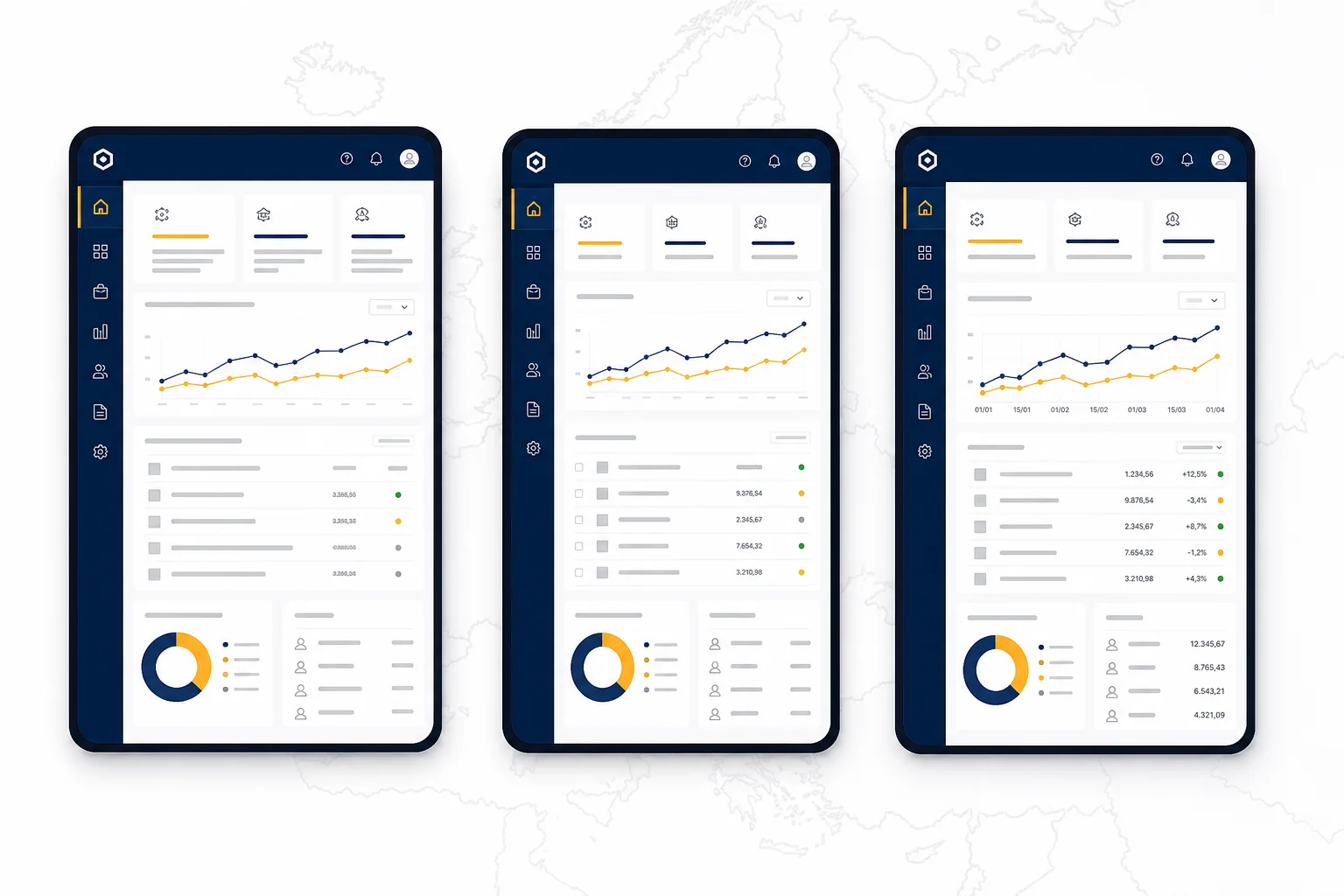
One of the most common and costly mistakes in European SaaS design is treating localisation as a late-stage task. Teams build an English-language interface, then attempt to translate it into German, Dutch, or Swedish, and discover that their UI breaks because German strings are 30 to 40 percent longer than their English equivalents, their date format assumptions are wrong, and their iconography carries unintended cultural meaning.
Internationalisation is the process of designing and building your product so that it can be adapted to different languages and regions without engineering changes. Localisation is the process of actually adapting it for a specific market. The distinction matters because i18n is an architectural decision that must be made early, ideally before a single screen is designed. If your design system doesn't account for text expansion, flexible layout containers, and locale-aware formatting from the start, localisation becomes an expensive retrofit.
Building a design system that supports multi-locale from day one is the most efficient way to manage this complexity. A well-structured design system with locale-aware tokens, flexible component layouts, and a clear translation workflow will save significant time and cost as you expand across European markets. For teams evaluating the broader cost implications of this kind of architecture, our guide on development budget planning for 2026 covers how to allocate funds across design, engineering, and localisation work.
Accessibility is no longer optional for European B2B SaaS products. The European Accessibility Act (EAA), which came into force in June 2025, requires that digital products and services sold in EU member states meet defined accessibility standards. For B2B SaaS products, this means compliance with EN 301 549, the European standard that references WCAG 2.1 Level AA as its core technical requirement.
WCAG 2.1 AA compliance covers four principles: perceivable, operable, understandable, and robust. In practical UI/UX design terms, this means:
Beyond legal compliance, accessibility has become a hard requirement in enterprise B2B procurement across the UK, Germany, and the Nordics. Public sector organisations, large enterprises, and any company with a formal vendor assessment process will include an accessibility questionnaire in their procurement workflow. A product that can't demonstrate WCAG 2.1 AA compliance will be disqualified from consideration, regardless of how strong its feature set is. Treating accessibility as a design principle from the start, rather than a compliance checkbox at the end, is both the right approach and the commercially smart one.
For teams building in Sweden specifically, our PWA development guide for Sweden covers how accessibility requirements intersect with progressive web app architecture in the Nordic market.
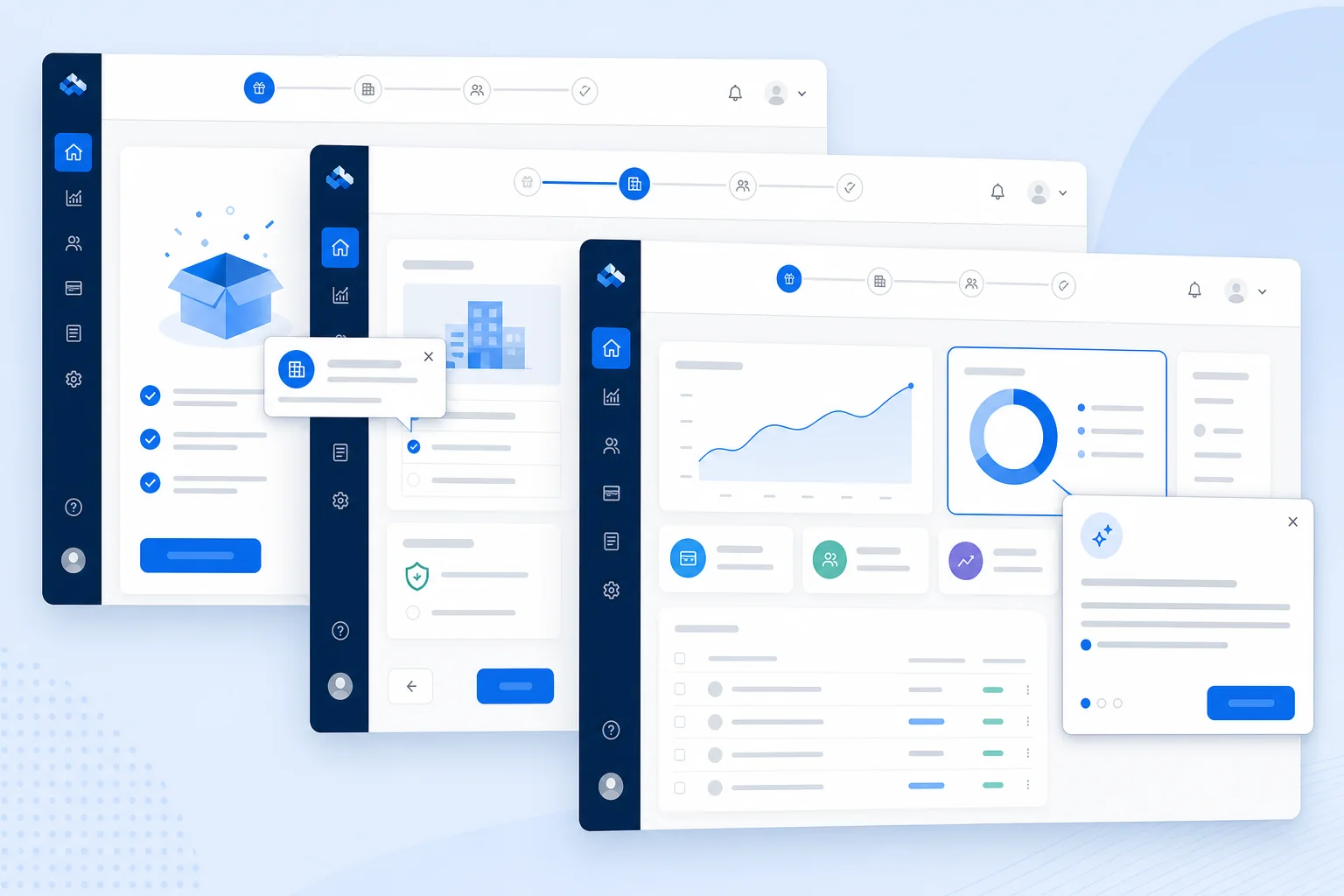
Feature adoption is the metric that separates successful SaaS products from expensive ones. You can build the most powerful feature set in your category, but if users don't discover, understand, and habitually use those features, you will churn. The interface patterns that drive adoption in B2B SaaS are well-established, but they need to be applied with European user expectations in mind.
Progressive disclosure is the principle of showing users only the information and controls they need at each stage of their task, revealing complexity as they're ready for it. For B2B SaaS products with deep feature sets, this is essential. A German finance manager opening your product for the first time should not be confronted with every configuration option simultaneously. Show the core workflow first. Surface advanced controls when the user has demonstrated readiness, through their actions, not through a tutorial gate.
European B2B users, particularly in the Nordics and the Netherlands, tend to resist tutorial-first onboarding flows that feel like they're being taught how to use software. They prefer contextual onboarding, tooltips, inline hints, and empty state guidance that appears in the context of the actual workflow, not in a separate tutorial mode. The distinction matters: tutorial-first onboarding interrupts the user's task; contextual onboarding supports it.
Empty states, the screens users see before they've added any data, are one of the most underinvested areas of B2B SaaS design. A blank screen with no guidance is a missed activation opportunity. A well-designed empty state explains what the screen will show, why it matters, and what the user needs to do to populate it. For European B2B users who are evaluating your product during a trial, empty states are often the first real test of whether your product feels intuitive or confusing.
B2B SaaS dashboards carry a heavy cognitive load. They need to surface the right information at the right level of detail without overwhelming the user. Key principles for European B2B dashboard design include: establishing a clear visual hierarchy that guides the eye to the most important metrics first; using information density appropriate to the market (German users typically tolerate higher density than Nordic users); and ensuring that every data visualisation is labelled clearly enough to be understood without prior training.
Enterprise B2B products are used by multiple people with different roles, permissions, and workflows. A UI that shows every feature to every user creates confusion and increases the perceived complexity of your product. Role-based UI, where the interface adapts based on the user's role and permissions, is a significant driver of adoption in enterprise accounts. It reduces cognitive load, surfaces relevant features more prominently, and makes the product feel purpose-built for each user's job.
Trust is the currency of B2B SaaS sales in Europe. And trust is communicated through design long before a sales conversation happens. The visual and interaction design of your product sends constant signals about your company's competence, reliability, and respect for the user's data.
GDPR consent flows are one of the most visible trust signals in any European SaaS product. A consent flow that is clear, honest, and gives users genuine control communicates that your company takes data privacy seriously. A consent flow that uses dark patterns, pre-ticked boxes, buried opt-outs, confusing language, communicates the opposite, and will actively damage trust with European users who are increasingly sophisticated about their data rights. Design your consent flows to be genuinely transparent, not just technically compliant.
For B2B buyers in Germany, the UK, and the Nordics, data residency is a significant concern. Where is their data stored? Is it in the EU? Is it encrypted at rest and in transit? These questions come up in every enterprise procurement process. Surfacing this information in your product UI, in your settings panel, your data export screens, and your account security section, reduces friction in the sales process and builds confidence with security-conscious buyers.
Error messages are a trust test. When something goes wrong in your product, the way you communicate that failure tells the user a great deal about how your company operates. Vague error messages ("Something went wrong") erode trust. Clear, specific error messages that explain what happened and what the user can do next ("Your session expired. Please log in again to continue.") build it. This is especially important in German and UK markets, where users have high expectations for system transparency.
The typography and visual language of your product communicate professionalism before a user reads a single word. For European B2B markets, this means choosing typefaces that read well at small sizes in multiple languages, maintaining consistent visual hierarchy across all screens, and avoiding design trends that feel consumer-facing or playful in a context where users expect business-grade software. The visual language of your product should feel like it belongs in the same category as the enterprise tools your users already trust.

If you're a founder or product leader commissioning UI/UX design work for a European B2B SaaS product, knowing what good looks like, and what red flags to watch for, will save you significant time and money.
A well-structured UX brief for a multi-market European product should specify: your target markets and the user roles within each; the core jobs your product needs to support; your accessibility compliance requirements; your localisation scope (which languages and locales); your existing design system or brand guidelines; and your development stack, since design decisions need to account for implementation constraints. If you're working with a development agency that handles both design and engineering, this brief becomes the foundation for the entire project. Our guide on how to define project scope covers the broader scoping process in detail.
A professional UI/UX design engagement for a B2B SaaS product should produce:
When evaluating a design agency for a European B2B SaaS project, ask these questions directly:
For a broader framework on evaluating development and design partners, our post on choosing between a freelancer and an agency for your first digital product covers the decision criteria in detail. And if you're concerned about red flags in agency proposals, our guide on 7 red flags when choosing a development agency is worth reading before you sign anything.
Watch out for proposals that skip the research phase entirely and jump straight to visual design. Watch out for generic personas that don't reflect your actual target markets. Watch out for accessibility mentioned as a single line item at the end of the proposal rather than integrated throughout the process. And watch out for agencies that treat design and development as entirely separate workstreams with no planned handoff process, this is one of the most common sources of implementation quality issues in SaaS products.
Axire Infotech works with B2B SaaS teams across the UK, Netherlands, Germany, Sweden, Ireland, Belgium, Finland, Denmark, and Poland to deliver UI/UX design that is research-grounded, accessibility-compliant, and built for multi-market European deployment. Our design process integrates directly with our development workflow, so the product that gets built matches the product that was designed. Explore our UI/UX design services to see how we approach this work, or view our project portfolio for examples of European B2B products we've delivered.
The cost of UI/UX design for a B2B SaaS product varies significantly based on scope, research depth, number of target markets, and whether you need a full design system or screen-level designs only. A focused design engagement covering core user flows for a single market might start from a few thousand euros; a comprehensive multi-market design system with user research, accessibility audit, and high-fidelity prototypes for a complex product will be considerably more. The most useful framing is to think of design cost as a percentage of your total development budget, typically 15 to 25 percent for a well-resourced product. Our guide on app development cost and feature complexity provides a useful framework for thinking about budget allocation across design and engineering.
For a B2B SaaS product targeting multiple European markets, a thorough UX design process, including research, information architecture, wireframes, and high-fidelity prototypes, typically takes six to twelve weeks before development begins. Rushing this phase is one of the most common causes of expensive rework during development. The time invested in getting the design right before writing code pays back many times over in reduced development iterations and faster time-to-market.
Not necessarily separate designs, but you do need a design system that supports localisation. The goal is a single design architecture that can be adapted for each market, different language strings, locale-aware formatting, and potentially different content in trust-signal areas, without requiring a full redesign for each market. This is why internationalisation architecture matters so much at the design stage.
UX design (user experience design) covers the entire experience a user has with your product, the research, information architecture, user flows, and interaction design that determine how the product works. UI design (user interface design) covers the visual layer, typography, colour, iconography, spacing, and the visual treatment of components. In practice, the two disciplines overlap significantly in SaaS products, and the best outcomes come from teams where UX and UI work are closely integrated rather than treated as sequential handoffs.
The clearest signals are in your product analytics: high drop-off rates on specific screens, low feature discovery rates, and support tickets that reveal confusion about functionality. Qualitative signals include user interviews where participants describe workarounds they've developed to avoid parts of your product, and sales calls where prospects ask questions that should be answered by the UI itself. A structured usability audit, where a UX professional evaluates your product against established heuristics, can surface issues quickly without requiring a full research programme.
Both. Accessibility is a shared responsibility that spans the entire product development process. Designers are responsible for colour contrast, information hierarchy, focus states, and ensuring that the visual design supports accessible implementation. Developers are responsible for semantic HTML, ARIA attributes, keyboard navigation, and screen reader compatibility. The most effective approach is to integrate accessibility requirements into both the design system and the development workflow from the start, rather than treating it as a final audit step.
Yes, with caveats. Established design systems like Material UI, Ant Design, or Radix UI provide a solid accessible component foundation and can significantly accelerate development. The risk is that they carry strong visual identities that may not align with your brand or your target market's aesthetic expectations. German and Nordic B2B users in particular may associate Material Design's consumer-facing aesthetic with Google products rather than enterprise software. The most effective approach is often to use an established component library as a technical foundation while applying a custom visual layer that reflects your brand and market positioning. Our web development team works with design systems across React, Next.js, and Angular to deliver this kind of architecture efficiently.
Building a B2B SaaS product that earns trust and drives adoption across the UK, Germany, the Netherlands, and the Nordics is not a matter of applying a single design template to multiple markets. It requires research-grounded design decisions, a localisation-ready architecture, genuine accessibility compliance, and interface patterns that match the expectations of business users in each market.
If your product is struggling with activation, stalling in enterprise trials, or receiving feedback that it "doesn't feel right" in a specific market, the answer is almost always in the design, and it's fixable with the right process and the right partner.
Axire Infotech specialises in UI/UX design and full-stack development for B2B SaaS products targeting European markets. We work with product teams and founders across the UK, Netherlands, Sweden, Ireland, Belgium, Finland, Denmark, Poland, and Estonia to deliver interfaces that are research-grounded, accessibility-compliant, and built to perform across diverse markets. View all our services to understand the full scope of what we deliver, or get in touch with our team to discuss your specific product and market requirements. The conversation starts with understanding your users, and that's exactly where we begin.
Let's discuss your project and create something amazing together.