
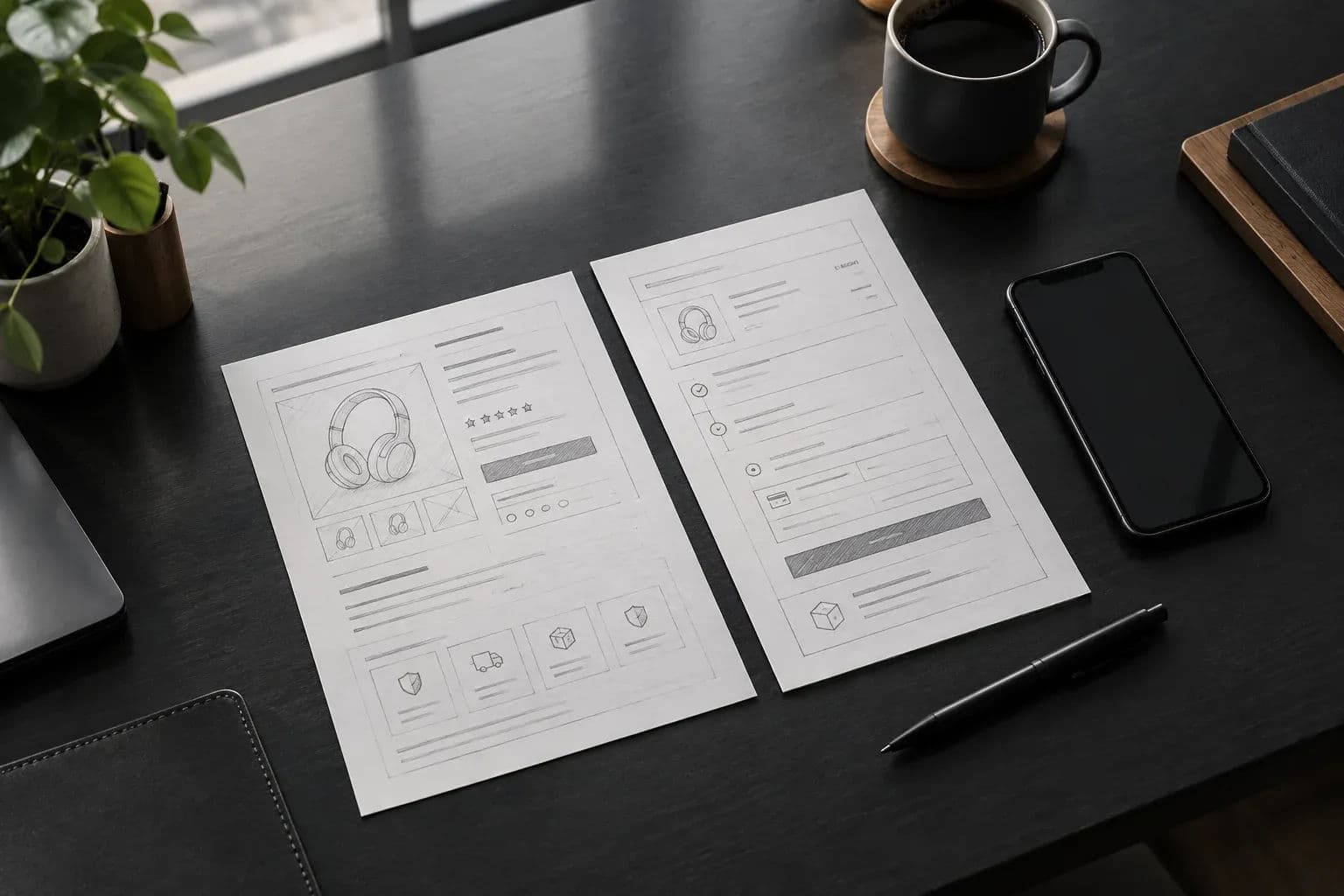
Ecommerce site development goes better when eight choices are made first, from custom vs templated to payments and checkout. See how to decide.
Ecommerce site development goes smoothly when you settle eight decisions before anyone writes code: custom build or templated platform, tech stack, payment gateway, strong customer authentication, checkout flow, catalogue structure, integrations, and launch scope with post-launch ownership. Get these wrong and you pay for them twice, once in the build and again in the rework.
Axire Infotech is a lean development studio that works remotely with startups and businesses across Europe. Our team is based in India and overlaps with CET afternoons, so these decisions get made in live calls rather than long email threads. We test them with Next.js, Stripe and Postgres on real MVPs, and we have taken over MVPs that earlier developers left unfinished.
This post covers the product build only: what to decide, what each option costs you in flexibility, and what to ask your developer. It does not cover running a store day to day.
1. Custom build or templated platform
A templated platform gets a standard catalogue and checkout live quickly with the least engineering. A custom build makes sense when your pricing rules, buying flow or integrations do not fit a template. Decide this first, because every other choice depends on it.
The UK government's guidance on e-commerce platforms tells businesses to look for a user-friendly architecture, meaning how products are displayed, searched for and bought, plus how stock is managed behind the scenes. That is a useful test for either route.
Choose a templated platform when:
- Your products, prices and delivery rules are conventional.
- Speed to first sale matters more than control of the experience.
- You have no one to maintain custom code after launch.
Choose a custom build when:
- Pricing depends on customer, quantity, subscription or configuration rules a template cannot express.
- The checkout needs to differ from the standard pattern, for example a booking step or an approval step.
- You need your own data model, customer accounts or a connected mobile app.
- You expect platform fees and limits to bite as you grow.
Platforms named in public supplier listings, such as BigCommerce and Magento, differ in what you can change. Use this table as a checklist to confirm against each vendor's own documentation, not as a verdict:
| Option | Check in its documentation |
|---|---|
| BigCommerce | How far checkout can be customised; transaction fees; supported gateways |
| Magento | Who maintains hosting and code; checkout customisation; gateway support |
| Custom build (Next.js, Node.js, Stripe) | Full control of checkout and data model; you own maintenance |
There is also a middle path. Launch on a template to validate demand, and plan a custom rebuild once real orders show which limits hurt. If you take this route, keep your product data exportable from day one.
2. Tech stack for the build
For custom builds, we default to Next.js and React on the front end, Node.js for server logic, Postgres for data, and Stripe for payments. Supabase can supply hosted Postgres and authentication when a small team needs to move fast. The right stack is one you can hire for and maintain.
Next.js suits product pages because it can render them on the server, which keeps pages quick on mobile connections. Postgres suits orders because relational data (customers, orders, line items, refunds) needs consistency. A stack of popular, well-documented tools also means a new developer can pick it up if you change partners.
Avoid choosing a stack because it is fashionable or because your agency happens to prefer it. Ask for the reason in one sentence, and ask who else could maintain it. Our guide on how to choose the right tech stack for your web project walks through that test in more detail.
3. Payment gateway and payment methods
Pick the gateway that supports the payment methods and currencies your customers actually use, then check how it plugs into your build. A card-only setup loses buyers who prefer wallets or bank transfers, and a mismatch is expensive to fix after launch.
Start from your customers, not the gateway. The GOV.UK advice on adapting payment methods for local markets says to find out how your customers pay and what currency they use, then choose a provider. It adds that most providers offer a plugin for your checkout.
A plugin is fine for a templated store. In a custom build, you decide between a hosted payment page and an embedded form. Stripe supports both: its documentation describes redirecting to a Stripe-hosted page using Stripe Checkout, or building your own payment form. Hosted pages mean less code and less to secure. Embedded forms give you full control of the look and the flow.
Platforms also differ in which gateways they support out of the box, as this comparison of shopping cart software shows. Check your shortlist for the gateway before you commit to a platform, not after.
Questions to settle with your developer
- Which payment methods launch on day one, and which wait for phase two?
- Hosted payment page or embedded form, and why?
- How are refunds, partial refunds and failed payments handled in the admin?
- What happens to orders if the gateway has an outage?
4. Strong customer authentication and PSD2
If you take card payments from customers in Europe, plan for strong customer authentication (SCA) in the design, not as a patch. SCA means some payments will ask the buyer to confirm with a second factor, and your checkout must handle that step cleanly.
SCA comes from the EU's PSD2 payments directive, as this overview of strong customer authentication explains. It applies where a payer accesses an online payment account or starts an electronic payment, and exemptions exist. Your payment provider tells you which of your transactions will trigger it, so treat that as a question for the provider, not a guess.
What matters for the build is the user journey. A buyer may leave your page to approve a payment in their banking app, then return. Your site must still show the right order status when they come back, or when they never do.
Ask your developer to demonstrate three states before launch: authentication passed, authentication failed, and buyer abandoned. If any of the three leaves a stuck or duplicate order, fix it before you go live.
Hypothetical example: suppose a buyer pays, is sent to their banking app, and closes the tab. If the site marks the order "paid" when the buyer leaves, you ship goods that were never authorised. If it never updates, the buyer retries and creates a duplicate.
The fix is to create the order as "pending", and change it only when the payment provider confirms the result. An abandoned authentication then expires to "cancelled" and the buyer can retry on the same order.
5. Checkout flow design
The best checkout asks for the fewest fields, works one-handed on a phone, and explains every error in plain words. Checkout is where buyers commit, so design it before the homepage.
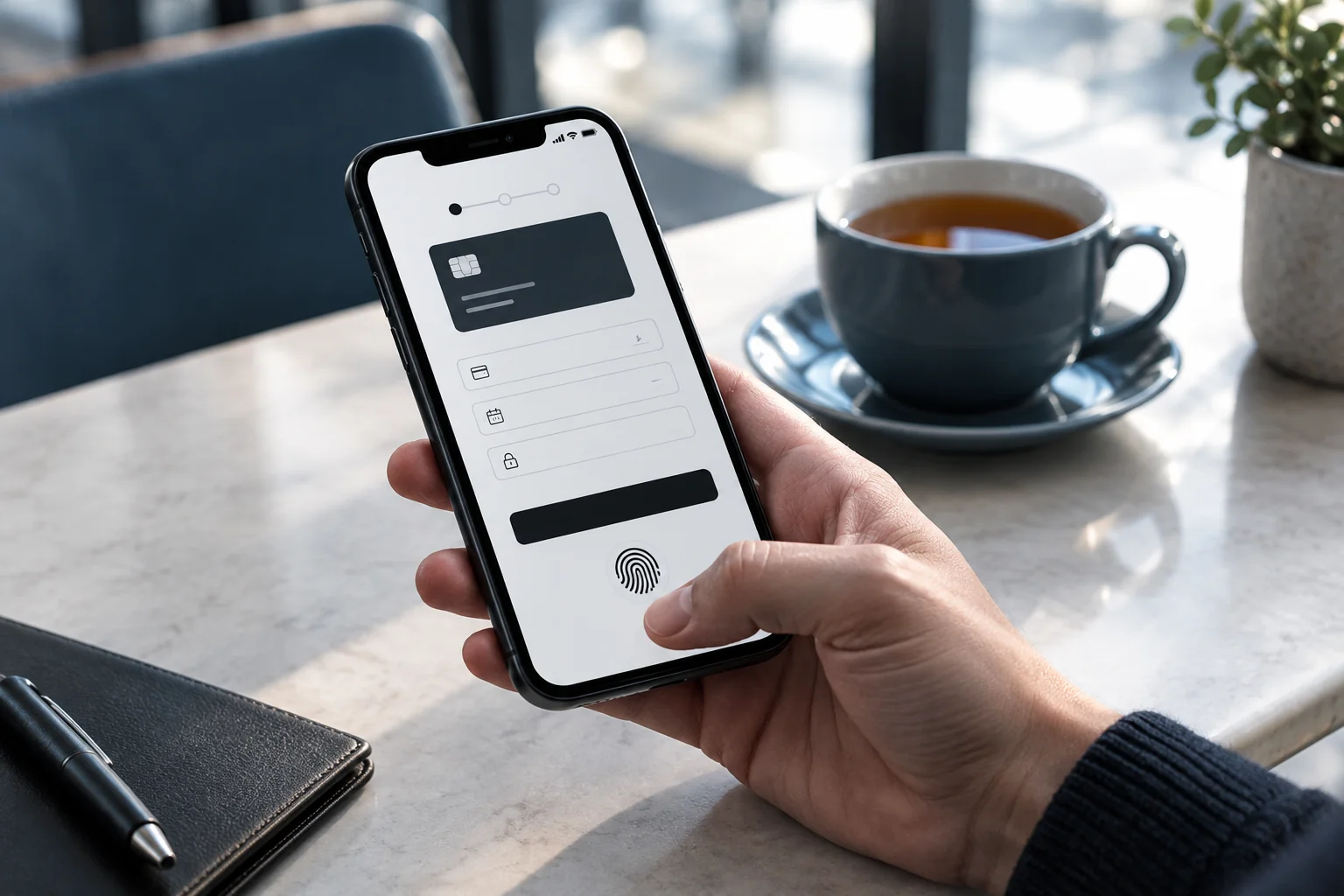
Decide these points in design, with a clickable prototype, before development starts:
- Guest checkout or account first. Forcing sign-up is a common reason for abandoned baskets. Offer account creation after payment instead.
- Single page or stepped. Short orders suit one page. Orders with delivery options or approvals suit steps with a visible progress marker.
- Address entry. Support the address formats of every country you ship to, not just your own.
- Totals and costs. Show delivery, tax and the final total before the pay button, never after.
- Confirmation. Send an order email straight away and show a clear on-screen confirmation.
Test the prototype on a real phone with someone outside your team. Ask them to buy something and say nothing else. Where they hesitate is where your drop-off will be.
6. Catalogue structure and data model
Decide how products, variants, stock and pricing are modelled before you build, because this is the hardest part to change later. A clean catalogue structure in Postgres supports new product types without a rewrite. A rushed one forces workarounds on every new feature.
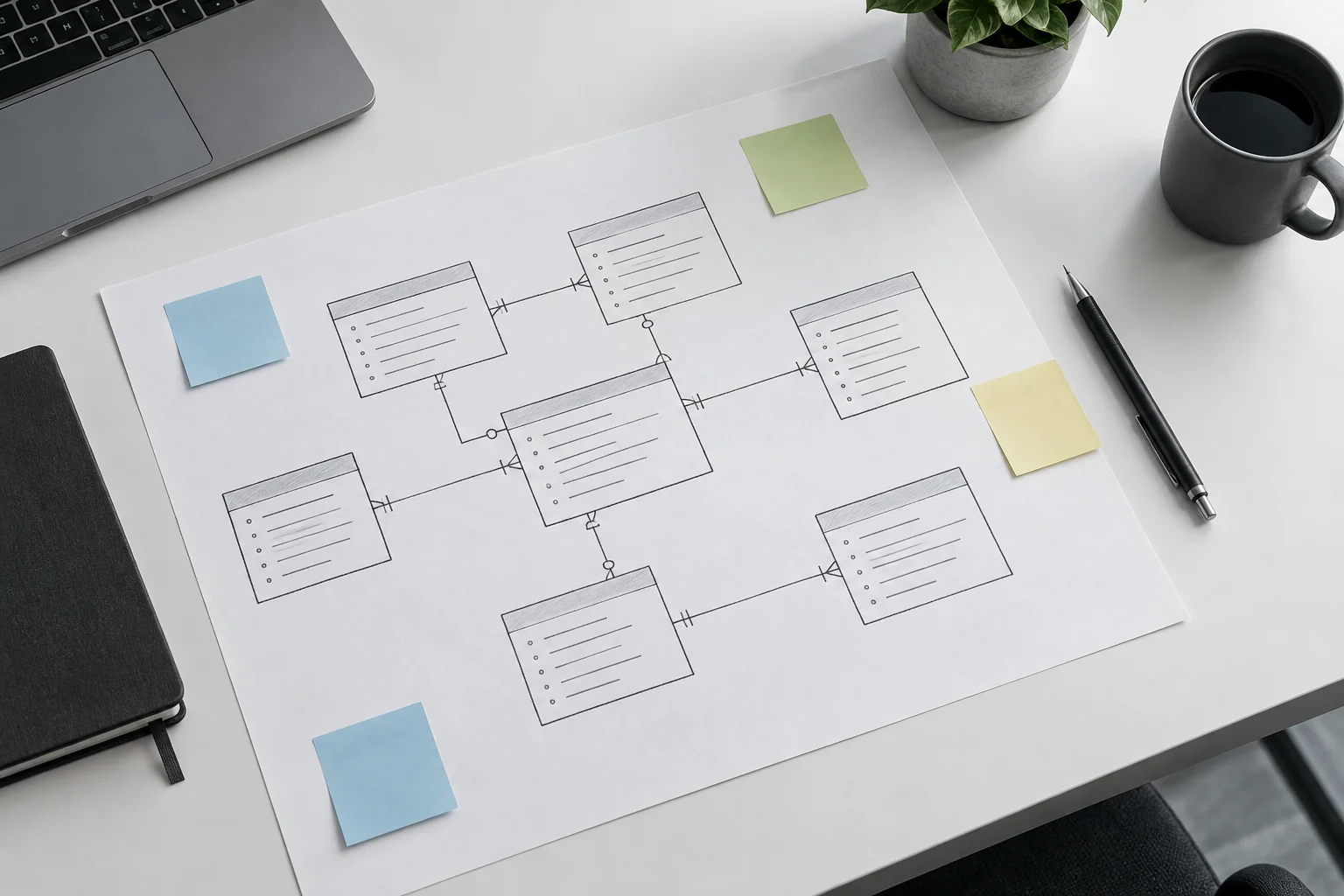
Write down answers to these questions with your developer:
- Do products have variants such as size, colour or plan, and does each variant have its own stock and price?
- Are there bundles, bulk prices or customer-specific prices?
- Are some items digital, some physical, and some subscriptions?
- How will you import your existing products, and in what format?
- Who edits the catalogue, and does that person need a simple admin screen?
This is where a custom build earns its cost. If your catalogue fits a template's model, a template is cheaper. If you find yourself bending your products to fit someone else's fields, that is a signal for custom.
7. Integrations to plan up front
List every system the site must talk to before you get a quote: accounting, shipping and fulfilment, email, stock or ERP, and analytics tools. Each integration adds scope, so naming them early prevents the most common budget surprise.
For each integration, agree four things in writing: what data moves, which direction, how often, and what happens when the other system is down. Ask for a sandbox test before the integration touches live orders. A failed sync that silently drops an order is worse than no integration at all.
Integrations also tell you whether you need a custom build. Two or three standard connections are usually available in a template. A custom ERP link or a customer portal usually is not.
8. Launch scope, testing and post-launch ownership
Define the smallest version that can take real orders, test every money path before launch, and agree who maintains the site afterwards. This is how you keep a first release to weeks rather than months and avoid a build that stalls at 80 percent.
Cut the first release hard. Reviews, wishlists, loyalty schemes and multi-language support can follow once orders are flowing. Our article on MVP feature prioritisation shows how to separate must-haves from later features.
For timing, our process runs in four phases: Discovery and Planning, Design and Prototyping, Development and Testing, then Launch and Support. Scope and design come first, build and testing follow, and the first release goes out once the money paths pass. We give a week count only after discovery, because it depends on your written scope.
Test every money path
Before launch, run a test for each of these: a successful purchase, a partial refund, a full refund, a failed payment, and an abandoned authentication. Check tax and delivery on addresses in different countries. Test on real phones and browsers, and run a basic accessibility check against WCAG 2.1.
Agree who owns it after launch
Ask who fixes bugs, who updates dependencies, and how fast they respond. Make sure the code sits in a repository you own. We have taken over and stabilised MVPs that earlier developers left unfinished, and the pattern is consistent: no tests, no documentation, and no clear owner. A weekly progress update and a written handover prevent all three.
How are these decisions scoped with honest pricing?
We work through four steps: Discovery and Planning, Design and Prototyping, Development and Testing, then Launch and Support. The eight decisions above are settled in the first two steps, so the quote you receive reflects a written scope rather than a guess.
In discovery we ask the questions in this article, then write the answers into a scope that lists what is in the first release and what is not. Pricing follows that scope, which keeps it transparent. If you want to compare how a quote is structured, see our guide to evaluating a development partner.
Design, testing and post-launch support are part of every build, not extras. We respond to every inquiry within one working day.
Plan your build with us
If your project needs custom accounts, payments and integrations, start with our SaaS and custom web app development service. Bring your answers to the eight decisions, even partial ones, and contact us at hello@axire.in. We will tell you honestly whether a custom build or a template fits.