A clinic in Amsterdam recently rebuilt its website from scratch. The old site had every regulatory checkbox ticked: GDPR notice, cookie banner, CQC-equivalent accreditation listed in the footer. What it didn't have was a working online booking form, a readable practitioner profile, or a page that loaded in under four seconds on a mobile phone. New patient enquiries were flat for two years. Within six weeks of launching the new site, online bookings rose by over 60%.
That gap — between a website that complies and a website that converts — is what this guide is about. If you run a private or public clinic anywhere in the UK, Netherlands, Germany, Belgium, Ireland, or across the wider European market, the features covered here are the ones that actually move patients from "I found your website" to "I've booked an appointment." This is a practical, prioritised guide you can hand directly to a development partner.
European patients in 2026 research healthcare providers the same way they research hotels: they compare options, read reviews, check photos, and expect to complete the transaction online without picking up a phone. A Think with Google study on healthcare micro-moments found that the majority of patients begin their provider search on a mobile device, and most abandon a website within seconds if it doesn't answer their immediate question.
The problem is that most clinic websites are built to satisfy internal stakeholders — the practice manager who wants the team page, the compliance officer who wants the privacy policy, the receptionist who wants the phone number front and centre. These are all valid requirements. But they are not the same as building for the patient who lands on your site at 9pm on a Tuesday, wants to know if you treat their condition, wants to see who will treat them, and wants to book a slot without calling anyone.
This guide covers the seven feature categories that bridge that gap. Each section ends with a clear action point you can use when briefing a development agency. If you're also thinking about overall project costs, our breakdown of website maintenance costs in 2026 is a useful companion read before you start scoping.
The single highest-impact feature on any clinic website is a functional, frictionless online booking system. This sounds obvious. Yet a significant proportion of European clinic websites still rely on a phone number, a contact form, or a generic email address as their primary conversion mechanism. Each of these introduces delay, uncertainty, and drop-off.
A well-designed booking flow has five characteristics. First, it shows real-time availability, patients should see actual open slots, not submit a request and wait for a callback. Second, it requires the minimum number of fields necessary: name, contact detail, appointment type, and preferred practitioner. Third, it uses a progress indicator so patients know how many steps remain. Fourth, it sends an immediate confirmation by email or SMS. Fifth, it sends a reminder 24 to 48 hours before the appointment.
Calendar integration is the technical backbone of this. Your booking system needs to connect to your practice management software, whether that's Cliniko, Jane App, Acuity, or a custom-built system, via a reliable API. This is not a cosmetic feature; it's an operational one. A booking form that doesn't sync with your actual calendar creates double-bookings, staff confusion, and patient frustration. For a deeper look at how API connections work in practice, our API integration FAQ covers the most common questions clinic owners ask before commissioning this work.
Drop-off analysis on healthcare booking flows consistently shows the same failure points: too many required fields, no guest booking option (forcing account creation), and unclear error messages when a field is filled incorrectly. Mobile autofill support, allowing browsers to pre-populate name, email, and phone fields, can reduce form completion time by 40% or more. Every second you save a patient is a percentage point of conversion you recover.
Action point: When briefing your development partner, specify that the booking system must integrate with your existing practice management software via API, support mobile autofill, and send automated confirmation and reminder messages. Ask to see examples of booking flows they have built for other healthcare clients.
Healthcare is a high-stakes decision. Patients are not choosing a restaurant; they are choosing someone to examine, diagnose, or treat them. The trust signals on your website need to reflect that weight. A generic stock photo of a smiling doctor and a list of services is not enough.

The most consistently underinvested page on clinic websites is the team page. Patients want to know who will treat them before they book. A strong practitioner profile includes a professional photograph (not a stock image), a patient-facing bio written in plain language, a list of qualifications and registrations, and a note about the practitioner's clinical interests or approach. Profiles written in the first person, "I specialise in..." rather than "Dr Smith specialises in...", consistently outperform third-person bios in user testing.
Third-party review platforms carry more weight than testimonials you publish yourself. Integrating a live feed from Google Reviews, Trustpilot, or Doctify directly into your website shows patients that the feedback is real and current. Accreditation badges from recognised regulatory bodies, the Care Quality Commission (CQC) in the UK, the BIG-register in the Netherlands, or equivalent bodies in Germany and Belgium, should appear prominently on your homepage and service pages, not buried in the footer.
One of the most common reasons patients abandon a clinic website without booking is the absence of pricing information. You don't need to publish a full fee schedule, but a clear indication of consultation costs, what is included, and whether you accept insurance or health fund reimbursements removes a major anxiety barrier. "What to expect at your first appointment" content, a short paragraph or a simple numbered list, reduces pre-appointment anxiety and decreases the volume of pre-booking phone calls your reception team handles.
Action point: Audit your current team page. If any practitioner profile lacks a real photograph, a patient-facing bio, and their regulatory registration number, treat that as a conversion problem, not just a content gap.
Multilingual functionality is often treated as an accessibility feature, something you add for completeness. For clinics operating in the UK, Netherlands, Belgium, Germany, or any other European market with significant expat or migrant communities, it is a direct conversion feature. A patient who cannot read your service descriptions in their preferred language will not book with you. They will find a clinic whose website they can understand.
Browser-based language detection, where the site automatically serves content in the user's browser language, is convenient but imperfect. Many users browse in English regardless of their native language, particularly for professional or medical contexts. The most effective approach combines automatic detection with a clearly visible, easy-to-use manual language switcher in the site header. The switcher should display language names in their native script (Nederlands, Deutsch, Français) rather than flag icons, which are ambiguous for multilingual countries.
True localisation means more than translating text. It means adapting date formats (DD/MM/YYYY vs. MM/DD/YYYY), currency display, and the cultural register of your copy. A clinic serving a German-speaking patient population should know that German healthcare consumers expect a more formal, information-dense communication style than, say, a Dutch or Irish audience. These nuances affect conversion rates in ways that a direct translation alone will not capture.
On the technical side, multilingual sites require correct hreflang tag implementation to ensure search engines serve the right language version to the right audience. This is a common implementation error that undermines both SEO and user experience. A development partner with experience building for European markets, particularly across the UK, Netherlands, and Germany, will handle this correctly from the start.
Action point: Identify the top three languages spoken by your patient population beyond your primary language. Brief your development partner to implement those languages with proper hreflang tags, native-script language switchers, and localised (not just translated) copy.
More than 70% of healthcare-related searches in Western Europe now originate on mobile devices, according to Statista's mobile internet usage data. Despite this, a large proportion of clinic websites are still designed on desktop and adapted for mobile as an afterthought. The result is small tap targets, text that requires pinching to read, and booking forms that are nearly impossible to complete on a phone screen.
Mobile-first design starts with navigation. The primary call-to-action, "Book an Appointment", should be reachable with a thumb without scrolling. On mobile, this typically means a sticky header button or a floating action button that remains visible as the user scrolls down a service page. Navigation menus should use large tap targets (minimum 44x44 pixels per Apple's Human Interface Guidelines) and avoid hover-dependent interactions that don't translate to touchscreens.
Google's Core Web Vitals are now a confirmed ranking factor, and for clinic websites they are also a direct conversion factor. A page that takes more than three seconds to load on a mobile connection loses a significant proportion of visitors before they see any content. For healthcare clinic website development, this means optimising image formats (WebP over JPEG), implementing lazy loading, minimising render-blocking scripts, and choosing a hosting environment with strong European server coverage.
Progressive Web App (PWA) architecture is worth considering for clinics with a repeat patient base, patients who return for ongoing treatment or regular check-ups. A PWA delivers an app-like experience through the browser, including offline access to appointment history and push notification reminders, without requiring patients to download anything from an app store. For a detailed look at whether a PWA is right for your clinic, our PWA development guide covers the decision framework in full.
Action point: Run your current clinic website through Google's PageSpeed Insights tool. If your mobile score is below 70, treat page speed as a priority fix before any other feature additions. Brief your development partner on Core Web Vitals targets: LCP under 2.5 seconds, FID under 100ms, CLS under 0.1.
GDPR compliance in healthcare is non-negotiable across the EU and UK (where the UK GDPR applies post-Brexit). But the way you implement compliance has a direct effect on your conversion rate. A cookie consent banner that blocks the entire screen and requires three clicks to dismiss will increase bounce rates. A privacy policy written in legal jargon that patients cannot understand will reduce trust rather than build it.
The most conversion-friendly cookie consent implementations use a bottom-of-screen banner with a clear "Accept" option and a less prominent "Manage preferences" link. They do not use dark patterns, pre-ticked boxes, misleading button colours, or consent walls that prevent access to content. Regulators across Europe have been increasingly active in enforcing against dark patterns, and patients who feel manipulated by your cookie banner are unlikely to trust you with their health data.
All patient-facing forms, booking, contact, and symptom checkers, must transmit data over HTTPS and store it in a GDPR-compliant environment. For clinics operating across multiple EU member states, data residency matters: patient data should be stored on servers within the EU or UK, not on infrastructure based in jurisdictions without an adequacy decision. Your development partner should be able to specify exactly where patient data will be stored and processed, and provide documentation to support your Data Protection Impact Assessment (DPIA).
Action point: Ask your development partner to provide a written data flow diagram showing where patient data is collected, stored, and processed. Confirm that all third-party integrations (booking systems, analytics, chat tools) are GDPR-compliant and covered by appropriate Data Processing Agreements.
The structure of your website's content is as important as the content itself. Most clinic websites organise their service pages around clinical taxonomy, the way practitioners categorise treatments, rather than around patient intent, the way patients search for help. A patient searching for "knee pain specialist London" is not searching for "orthopaedic musculoskeletal services." Your content architecture needs to bridge that gap.
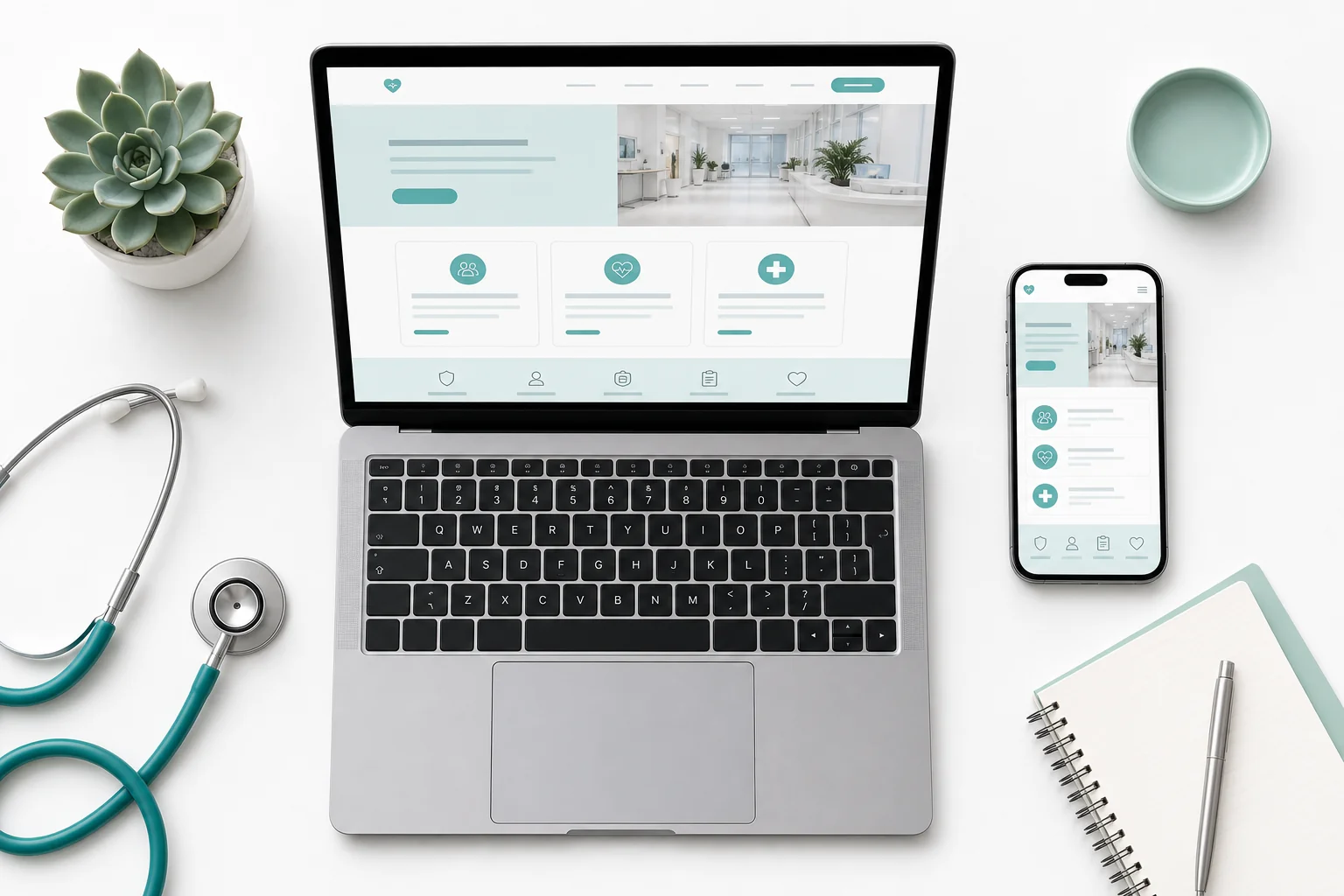
Each service page should answer four questions in order: What is this treatment or service? Who is it for? What happens during the appointment? How do I book? Pages structured this way align with how patients read and decide. They also align with how search engines evaluate content relevance, which means better organic visibility for condition-specific and treatment-specific searches in your local area.
A well-constructed FAQ section on each service page reduces the volume of pre-booking phone calls your reception team handles, and it reduces the anxiety that causes patients to delay booking. Common questions to address include: How long is the appointment? Do I need a referral? What should I bring? Is parking available? Will my insurance cover this? These are not glamorous content pieces, but they are high-value conversion assets.
For clinics serving specific geographic areas, a GP practice in Manchester, a physiotherapy clinic in Rotterdam, a dental practice in Dublin, local search optimisation on condition and treatment pages drives a significant proportion of new patient traffic. This means including location-specific terms naturally within page content, implementing structured data markup (Schema.org MedicalClinic and MedicalBusiness types), and maintaining a consistent NAP (Name, Address, Phone) citation profile across Google Business Profile and local directories.
Action point: Map your top ten services to the search terms your target patients actually use. Rewrite service page titles and introductory paragraphs to match patient language, not clinical language. Add a FAQ section to each service page addressing the five most common pre-booking questions.
Not every feature needs to be built at launch. Trying to build everything simultaneously increases cost, extends timelines, and often results in a product where nothing works particularly well. The following prioritisation framework is designed for clinic owners who need to make clear decisions about where to invest development budget first.

When you approach a development agency with this prioritised list, you are giving them something most clinic owners don't provide: a clear scope with a defined starting point. This leads to more accurate quotes, faster project starts, and fewer scope creep conversations mid-build. Understanding how to define your project scope clearly before you engage an agency will save you significant time and budget. Our guide on how to define project scope walks through the nine elements every brief should include.
For clinics evaluating whether to work with a local agency or an international partner, the decision framework in our agencies comparison guide is directly applicable to the UK and broader European market, not just Sweden. The core trade-offs, timezone alignment, cultural familiarity, cost, and communication, are consistent across European markets.
Typical timelines for a Tier 1 clinic website build range from eight to fourteen weeks, depending on the complexity of the booking system integration and the number of service pages required. A Tier 2 addition phase typically adds four to eight weeks. Budget planning for these phases is covered in detail in our development budget planning guide.
Action point: Use the three-tier list above as the starting point for your development brief. Confirm which Tier 1 features are non-negotiable at launch, which Tier 2 features have a clear business case for the first six months, and which Tier 3 features can wait until you have conversion data from the live site.
A Tier 1 clinic website, covering online booking, practitioner profiles, service pages, mobile-first design, and GDPR compliance, typically takes eight to fourteen weeks from project kick-off to launch. This assumes content (practitioner bios, service descriptions, photographs) is provided by the clinic within the first two weeks. Delays in content delivery are the most common cause of extended timelines.
Costs vary significantly based on the complexity of the booking system integration, the number of service pages, and whether multilingual support is required at launch. A well-specified Tier 1 build from a specialist agency typically falls in the mid-to-upper range of SMB web development budgets. Contact a development partner for a scoped estimate based on your specific requirements, generic price ranges without a scope are rarely accurate.
For clinics with straightforward service offerings and a single location, a well-configured template on a platform like WordPress or Webflow can deliver a strong result at lower cost. For clinics requiring custom booking system integration, multilingual support, patient portal functionality, or complex practice management software connections, a custom build will deliver better long-term performance and lower maintenance overhead. The decision depends on your specific integration requirements, not on the size of your clinic.
GDPR compliance for a clinic website involves four main areas: a lawful basis for processing patient data (typically consent or legitimate interest), a compliant cookie consent mechanism, secure data transmission and storage, and Data Processing Agreements with all third-party tools that handle patient data. Your development partner should be able to provide documentation covering all four areas. If they cannot, treat that as a red flag, our guide on red flags when choosing a development agency covers this and other warning signs in detail.
Yes, in most cases. The most widely used practice management systems in European healthcare, including Cliniko, Jane App, Acuity Scheduling, and several NHS-adjacent systems in the UK, offer API access that allows a custom-built website to display real-time availability and receive bookings directly. The complexity and cost of this integration depends on the quality of the practice management system's API documentation and the level of two-way data sync required.
The features covered in this guide are not theoretical. They are the specific, measurable elements that separate clinic websites that generate a steady flow of new patient bookings from those that sit quietly online, generating little more than a phone number for patients who already know you exist.
At Axire Infotech, we build healthcare clinic websites for private and public practices across the UK, Netherlands, Ireland, Belgium, and the wider European market. Our work combines patient-centred UI/UX design with robust web development and the API integrations that make booking systems actually work. We understand the regulatory landscape, the multilingual requirements, and the mobile-first expectations of European patients in 2026.
If you're ready to move from a compliance-focused website to a conversion-focused one, start a conversation with our team. Bring your prioritised feature list, your current pain points, and your timeline, and we'll give you a clear picture of what's possible, what it will take, and how to get there. You can also view our project portfolio to see how we've approached similar builds, or explore our full range of services if your clinic's digital needs extend beyond the website itself.
Let's discuss your project and create something amazing together.