Most SMB cloud migration projects don't fail during the migration itself. They fail three months earlier, when someone in a budget meeting heard "40% infrastructure cost reduction" and approved a timeline without asking a single operational question. By the time the first workload moves, the team is already committed to a path they don't fully understand.
This guide is for business owners, operations leads, and technical decision-makers at small and medium businesses across the United Kingdom, Netherlands, Ireland, Germany, and Belgium who are considering cloud migration but haven't yet touched production infrastructure. The five questions below won't tell you which cloud provider to choose. They will tell you whether you're ready to choose at all — and what you need to resolve before you are.
The promise of cloud migration is real. Lower hardware costs, better scalability, improved disaster recovery, and access to managed services that would cost a full-time hire to replicate on-premises — these are genuine benefits. The problem is that most SMBs approach migration as a destination rather than a transition. They focus on where they want to end up, not on what it takes to get there safely.
The most common failure pattern looks like this: a business selects a cloud provider, lifts its existing servers into virtual machines, and discovers six weeks later that three critical applications don't behave the same way in the cloud. Latency has increased. A legacy database licence doesn't cover cloud deployments. The team doesn't know how to configure security groups. And there's no tested plan to roll back.
None of these problems are unsolvable. All of them are predictable — if you ask the right questions before you start. The five questions in this guide cover the five areas where SMB migrations most frequently break down: data residency, application compatibility, team readiness, rollback planning, and vendor lock-in risk. Work through each one honestly, and you'll have a far clearer picture of what your migration actually requires.
Data residency is the single most underestimated compliance issue in SMB cloud migrations. It's also the one most likely to create legal exposure if you get it wrong, particularly for businesses operating in the UK or European Union.
Data residency refers to the physical location where your data is stored. Data sovereignty refers to which country's laws govern that data. These are related but not identical. Your data can reside in a UK data centre and still be subject to US law if the cloud provider is a US company with certain contractual structures in place. This distinction matters enormously under GDPR.
Under the UK GDPR (post-Brexit) and the EU GDPR, personal data about EU or UK residents cannot be transferred to countries outside the UK/EEA unless adequate protections are in place. The GDPR's data processing requirements are specific about what "adequate protection" means, and a standard cloud contract from a US hyperscaler does not automatically satisfy them.
Before selecting a cloud region, complete a basic data mapping exercise. Identify every category of personal data your business processes, where it currently lives, and which applications touch it. Then ask your prospective cloud provider three specific questions:
All three major hyperscalers, AWS, Microsoft Azure, and Google Cloud, operate data centres within the UK and EU and offer GDPR-compliant DPAs. The risk isn't the provider; it's the configuration. A misconfigured backup policy that replicates data to a US region can create a compliance breach even if your primary workload runs in Frankfurt or London.
For businesses in regulated sectors, healthcare, finance, legal services, this question also intersects with sector-specific regulations like the UK's Data Protection Act 2018, Germany's BDSG, or Ireland's Data Protection Acts. If you're unsure whether your planned architecture satisfies these requirements, get a legal opinion before you migrate, not after.
Moving a server to the cloud is not the same as migrating an application to the cloud. This distinction trips up more SMBs than any other single factor. The server moves. The application behaves differently. And the team spends weeks debugging problems that a compatibility audit would have caught in an afternoon.
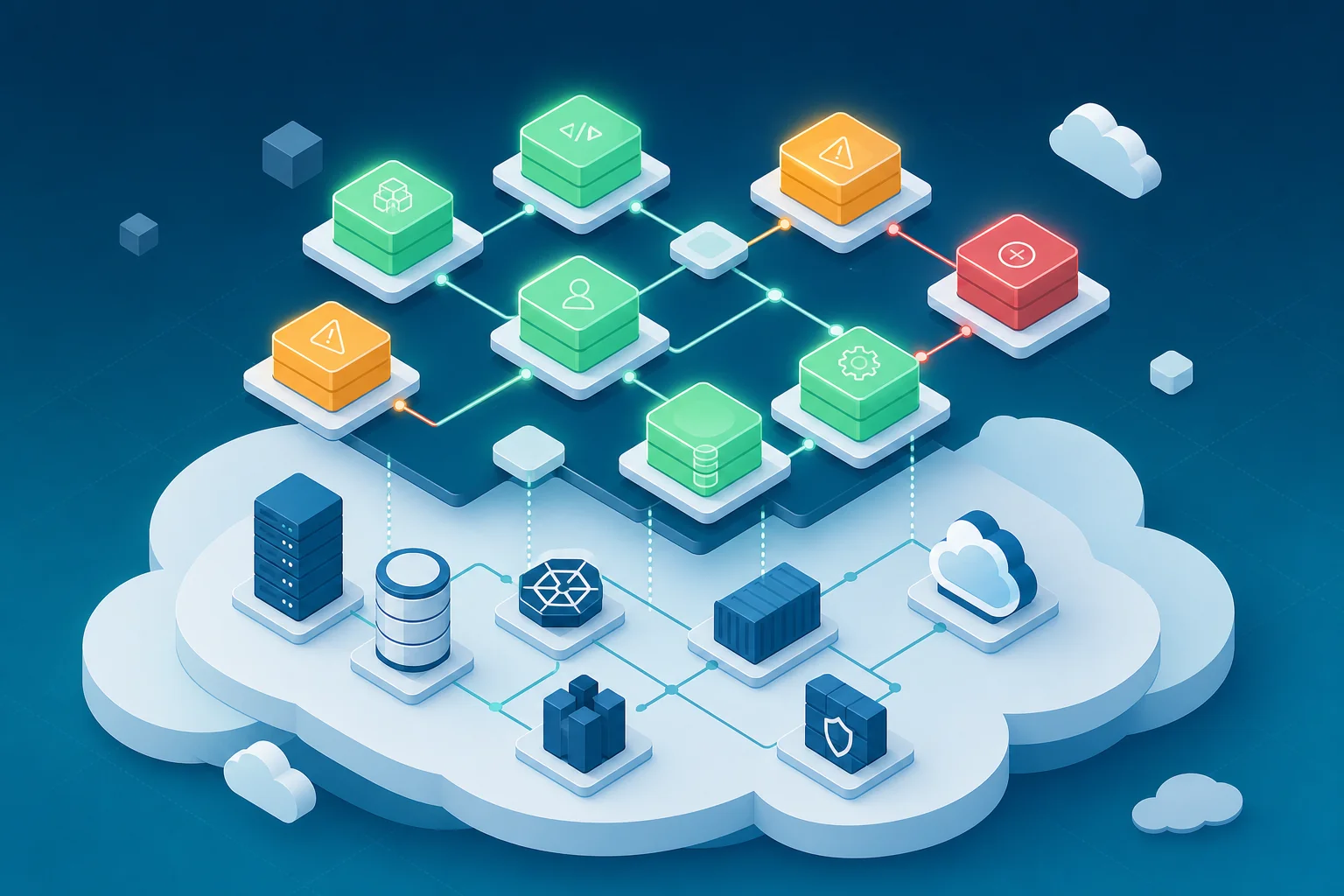
Cloud architects use a framework called the 6 Rs to categorise how each application should be handled during migration. Understanding this framework helps SMBs make smarter decisions about which workloads to move first and how.
Most SMBs assume all their applications fall into the "Rehost" category. In practice, a significant portion will require at least replatforming, and some will surface compatibility issues that make a simple lift-and-shift impossible.
Before migrating any application, audit it for the following:
This kind of audit doesn't require a large team. A structured review of your application inventory, combined with a conversation with your development partner, can surface the majority of issues before a single workload moves. For businesses building new applications alongside their migration, this is also the right moment to consider whether a cloud-native architecture, built on modern frameworks like React, Node.js, or containerised microservices, would serve you better than migrating legacy code. You can explore how Axire Infotech approaches scalable web development for businesses at exactly this stage.
Cloud infrastructure is not self-managing. This surprises many SMBs who assume that moving to a managed cloud platform means handing operational responsibility to the provider. It doesn't. The provider manages the physical hardware and the underlying platform. You manage everything above it: security configuration, access controls, cost governance, monitoring, patching, and incident response.
Traditional IT management and cloud operations are genuinely different disciplines. A skilled on-premises sysadmin who has managed Windows Server environments for a decade may have limited experience with IAM policies, VPC configuration, auto-scaling groups, or cloud cost optimisation. That's not a criticism, it's simply a different skill set that takes time to develop.
The skills gap typically shows up in three areas:
SMBs typically have three ways to address a cloud skills gap: train existing staff, hire cloud-specialist roles, or engage a managed services or DevOps partner to handle operations while internal capability develops. For most SMBs, a combination of the first and third options is the most practical path. Training takes time; a migration can't wait indefinitely. A DevOps partner can manage the operational complexity of the migration itself while your team builds the skills to take over incrementally.
If your business is also building or rebuilding digital products alongside the migration, this is worth reading alongside our guide on DevOps cloud deployment and infrastructure, which covers how growing businesses structure cloud operations without a dedicated internal team.
Ask most SMBs what their rollback plan is, and you'll get one of two answers: a blank look, or "we'll just move back to the old server." Neither is a plan. A rollback strategy is a documented, tested procedure that defines exactly what happens if a migrated workload fails, and how quickly you can restore normal operations.
Recovery Time Objective (RTO) is the maximum acceptable time your business can operate without a given system before the impact becomes unacceptable. Recovery Point Objective (RPO) is the maximum acceptable amount of data loss measured in time, how far back can you afford to restore from a backup?
These two numbers should drive every decision about your migration architecture. If your e-commerce platform has an RTO of two hours, your migration plan must include a tested procedure that restores full functionality within that window. If your RTO is four hours but your rollback procedure takes six, you have a gap that needs to be closed before migration day.
There are several approaches to reducing rollback risk during migration:
The most important thing about a rollback plan is that it must be tested before migration day. A rollback procedure that has never been rehearsed is not a plan, it's a hope. Schedule a dry run in a staging environment and time it against your RTO. If it doesn't meet the target, fix the procedure before you touch production.
Understanding how development timelines and infrastructure decisions interact is also relevant here. Our breakdown of how development duration impacts budget covers the cost implications of extended parallel-running periods, which is a real consideration for SMBs managing migration costs carefully.
Vendor lock-in is the cloud industry's version of a long-term lease with no exit clause. You move in, customise everything to fit the space, and discover three years later that moving out would cost more than staying, even if the landlord raises the rent.
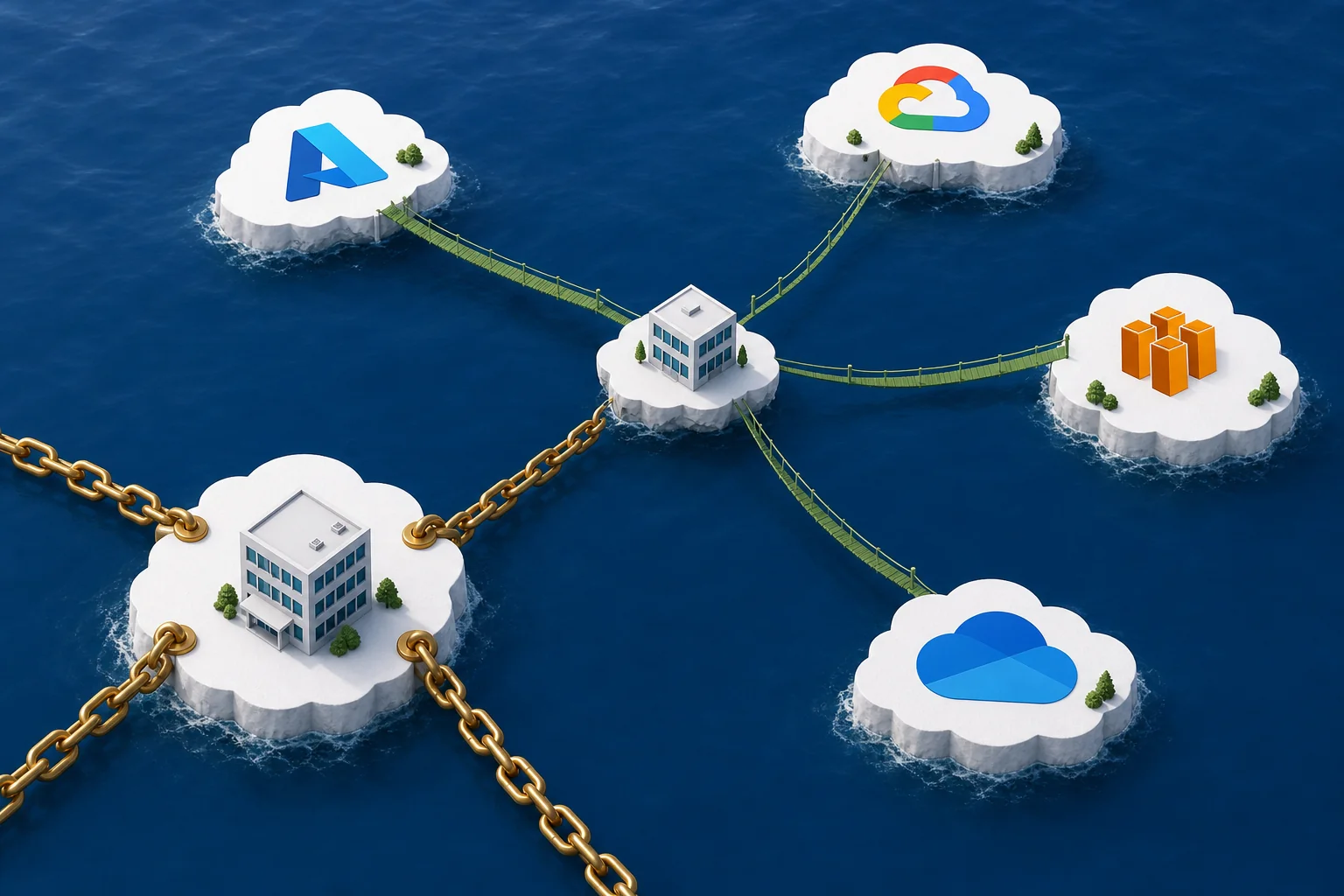
Lock-in doesn't happen because you signed a bad contract. It happens because you made reasonable technical decisions that, over time, created deep dependencies on a single provider's proprietary services. Common examples include:
None of these decisions are wrong in isolation. The problem arises when they accumulate without a deliberate strategy for managing the resulting dependency.
SMBs don't need to avoid cloud-native services entirely, that would mean forgoing significant productivity and cost benefits. The goal is to make deliberate trade-offs rather than accidental ones.
For SMBs building new digital products as part of a broader cloud strategy, the technology choices made at the application layer directly affect lock-in exposure. Our comparison of React vs Angular for enterprise applications touches on how framework choices interact with deployment architecture, relevant reading if you're making technology decisions alongside your migration planning.
Working through the five questions above gives you the diagnostic picture. This section turns that picture into an action plan.

For businesses that are simultaneously planning new digital product development alongside their cloud migration, understanding how to scope and budget these projects together is important. Our guide on development budget planning for 2026 covers how to allocate funds across infrastructure and product development without creating cash flow problems mid-project.
Axire Infotech works with SMBs across the UK and Europe on cloud-native application development and DevOps integration, helping businesses build new digital products that are architected for the cloud from day one, rather than migrated into it later. View all services to see how cloud-native development fits into a broader digital strategy, or view our project portfolio to see examples of cloud-integrated digital products we've built for European businesses.
A straightforward migration of a small number of workloads, say, a company website, a CRM, and an internal tool, typically takes between 8 and 16 weeks when planned properly. That timeline includes discovery, architecture design, a pilot migration, and scaled rollout. Businesses that skip the discovery phase often find their timelines doubling when unexpected compatibility issues surface mid-migration.
Migration costs vary significantly based on the number of workloads, their complexity, and whether applications need to be refactored rather than simply rehosted. The ongoing cloud infrastructure cost is typically lower than equivalent on-premises hardware, but the migration project itself carries one-time costs for planning, testing, and potentially application rework. Contact a cloud or DevOps partner for a scoping estimate based on your specific environment, generic figures are rarely useful for planning purposes.
Yes, when planned correctly. The major cloud providers offer security capabilities that exceed what most SMBs can achieve on-premises. The risk isn't the cloud itself, it's misconfiguration. Businesses handling sensitive data should complete a data residency assessment, confirm GDPR compliance for their chosen architecture, and implement proper access controls and encryption before migrating any sensitive workloads.
Not necessarily, but you do need someone who understands cloud operations. For SMBs without internal DevOps capability, a managed services provider or a development agency with cloud integration expertise can handle the operational complexity of the migration while your team develops the skills to manage the environment long-term. Our post on API integration for businesses also covers how cloud-hosted APIs and integrations are managed post-migration, a practical consideration for businesses with connected systems.
Cloud migration moves existing applications and infrastructure to a cloud environment. Cloud-native development means building new applications specifically designed to run in the cloud, using architectures like microservices, containers, and serverless functions. For SMBs building new digital products, cloud-native development is often a better starting point than migrating a legacy application. If you're evaluating whether to migrate an existing system or rebuild it as a cloud-native product, that decision deserves its own scoping conversation with a development partner.
GDPR requires that personal data about EU residents is processed lawfully, stored securely, and not transferred outside the EEA without adequate protections. For cloud migration, this means selecting data centre regions within the UK or EEA, ensuring your cloud provider offers a compliant Data Processing Agreement, and auditing your architecture for any data flows that cross jurisdictional boundaries. Businesses in regulated sectors should seek legal advice specific to their industry before migrating workloads that process sensitive personal data.
The five questions in this guide won't make cloud migration simple. But they will make it honest. SMBs that answer them thoroughly before touching production infrastructure avoid the most expensive and disruptive migration failures, and arrive at the cloud with a working system, a compliant architecture, and a team that knows how to operate it.
If your business is planning a cloud migration alongside new digital product development, or if you're building applications that need to be cloud-ready from the start, Axire Infotech's team works with SMBs across the UK, Netherlands, Ireland, Germany, and Belgium to design and build cloud-native digital products that don't create the migration headaches described in this guide. Get in touch to discuss your cloud strategy, or explore our full library of guides covering development, infrastructure, and digital transformation for European businesses.
Let's discuss your project and create something amazing together.