
How much does it cost to build an application with audit logs and data export? See what these B2B SaaS features add to scope, and how team models compare.
How much does it cost to build an application that includes audit logs and data export? Planned from the first sprint, these two features are a small, well-defined slice of a SaaS build. Added after launch, they cost noticeably more, because the data model, permissions and storage all have to change underneath live customers.
That is the short answer, and this post explains the reasoning. B2B buyers increasingly ask for both features in security reviews, so they stop being "nice to have" the moment you chase your first mid-sized customer. Below we cover what each feature involves, how scope levels change the effort, and how the choice between an in-house hire, a Western agency and an offshore studio shifts the total.
Axire Infotech is a lean studio based in India that builds MVPs, SaaS products and cross-platform mobile apps for startups and businesses across the UK and Europe. We work with Next.js, React, Node.js and Postgres, overlap with CET afternoons, and send a progress update every week. That context shapes the trade-offs below.
What do audit logs and data export add to the cost of building an application?
They add a fixed block of backend and interface work: an event store, a log viewer, export jobs and permission checks. Built alongside the core product, that block is modest compared with the whole application. Retrofitted later, it touches many existing screens and endpoints, which is where the cost climbs.
We do not quote a flat price for these features, because the effort depends on the choices described in the sections below. The cost is driven by three things: how many actions you log, how long you keep the records, and how large and varied your exports are.
For a market anchor, one SaaS development supplier listing on the UK government's Digital Marketplace prices a unit of work at £745 to £1,340 a day. Multiply that by the days a feature needs and you see why a tight scope matters more than a low rate.
Why do B2B buyers ask for audit logs and data export?
Business buyers need to prove who did what inside a tool, and to leave a vendor without losing their data. Audit logs answer the first need, and data export answers the second. Both appear regularly in security questionnaires, procurement checklists and renewal conversations with larger customers.
The requests usually come from four places:
- Security and IT teams who must show an auditor that changes to sensitive records can be traced to a person and a time.
- Data protection duties under GDPR, which includes a right for individuals to receive their personal data in a structured, commonly used, machine-readable format (Article 20).
- Procurement teams who want an exit route before they sign, so they are not locked in.
- Internal admins who need to answer "who deleted this invoice?" without raising a support ticket.
Three terms get mixed up in quotes, so keep them apart. An audit log is a tamper-resistant record of business actions by users and admins. An activity feed is a friendly summary shown to users. An application log is a technical record for developers. Only the first one satisfies a buyer's audit question.
What goes into an audit log feature?
An audit log feature records who did what, to which record, and when, stores that entry so it cannot be edited, and lets authorised admins search and filter it. The core parts are event capture, protected storage, tenant separation, a viewing screen and a retention rule.
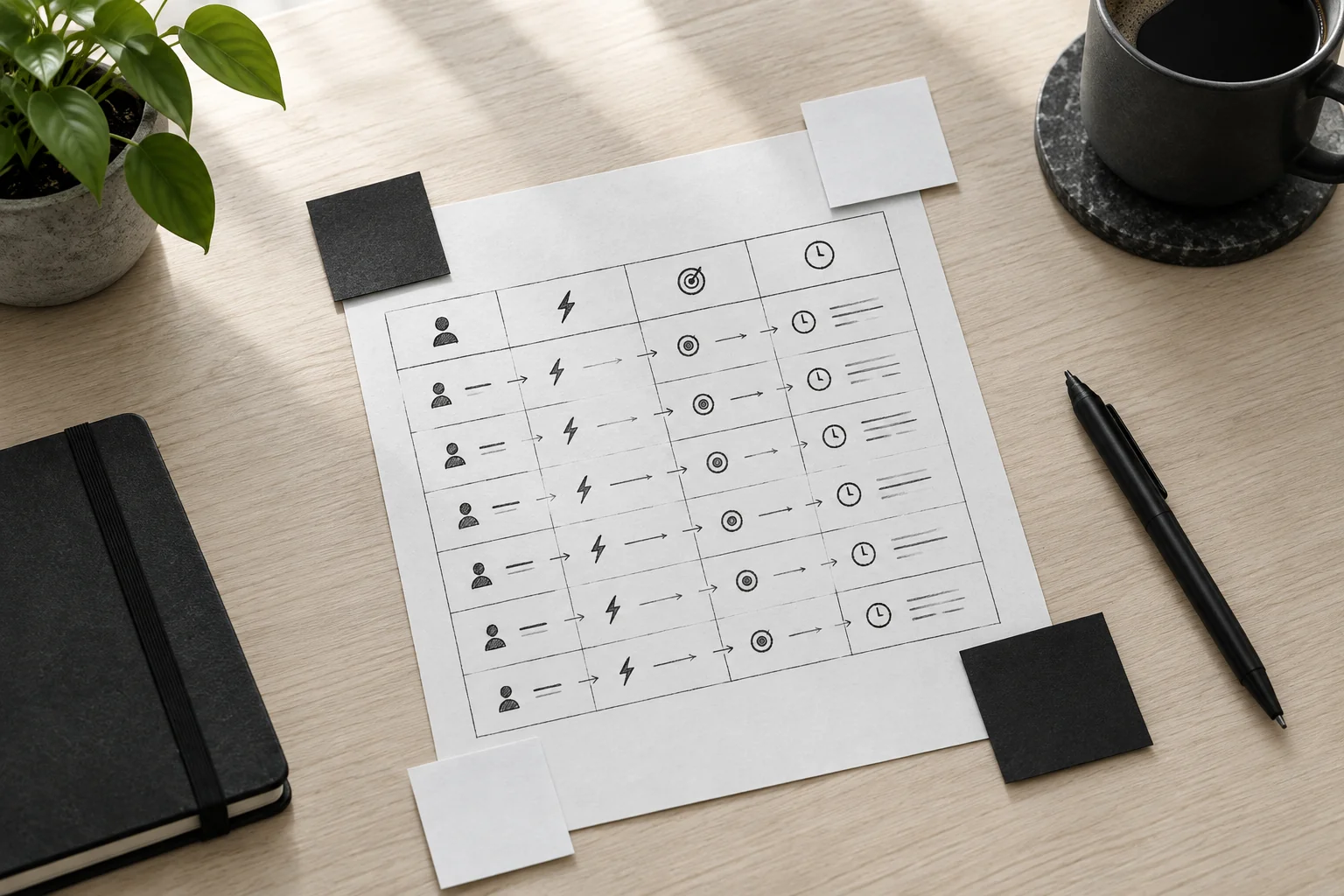
Each part carries its own choices, and each choice moves the effort:
- Which events to log. Sign-ins and permission changes are the usual start. Logging every field edit across every screen takes far longer.
- What each entry holds. Actor, action, target record, timestamp, and often the old and new value. Storing before and after values adds more build and storage work.
- Append-only storage. Entries are written once and never updated or deleted by normal users. This is a design decision made early, not a setting added later.
- Tenant isolation. In a multi-tenant product, each customer must see only their own entries. Getting this wrong is a serious data leak.
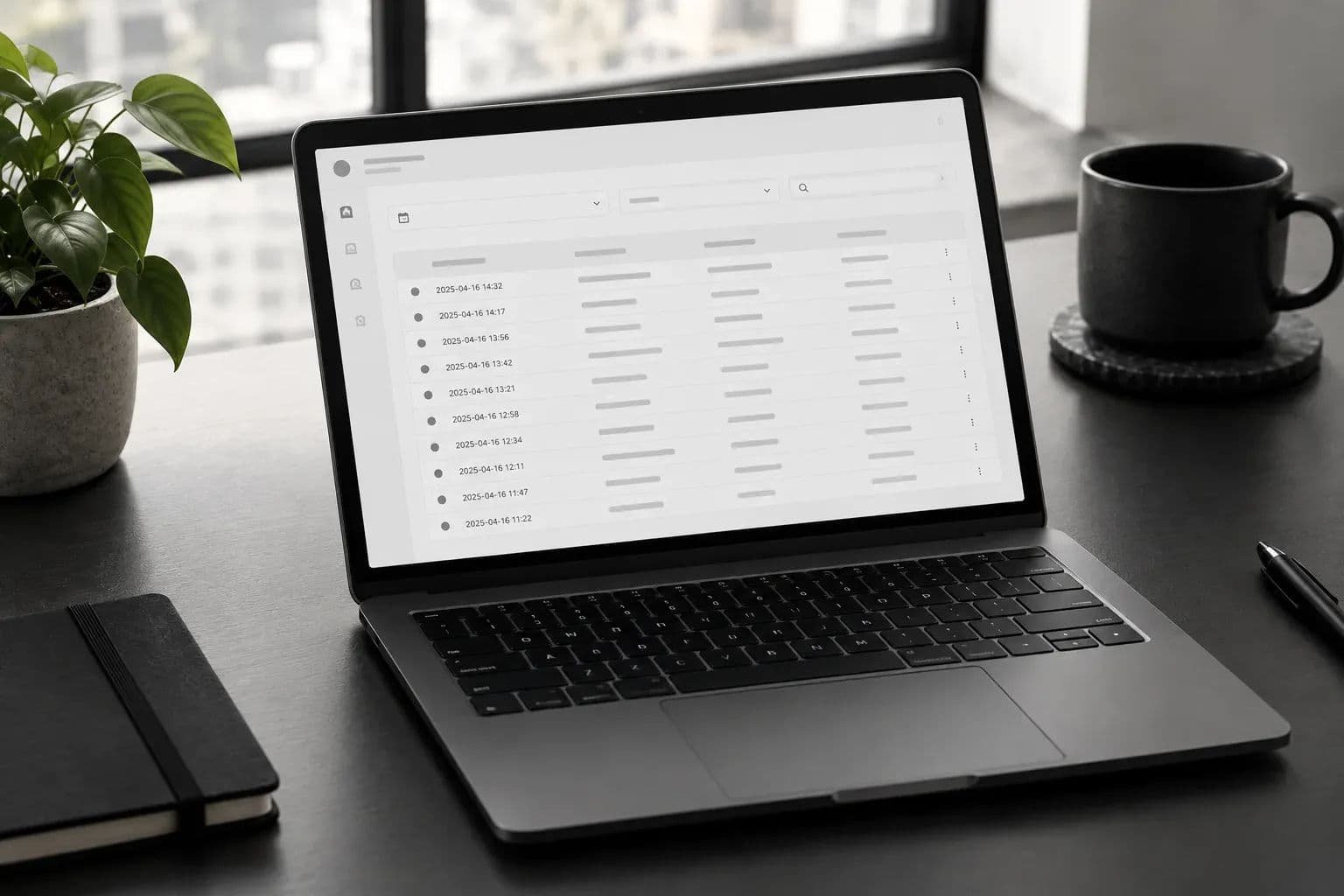
- The viewer. A searchable table with filters by user, date and action type. A plain list is quick; saved filters and alerts are extra.
- Retention. Keeping records for months versus years changes storage and archiving needs.
Our SaaS builds on Postgres suit this work well, since a dedicated, write-only events table with sensible indexes handles most early-stage volumes. The harder part is agreeing the event list with you, which is why we settle it during discovery rather than mid-build.
What goes into a data export feature?
A data export feature lets a customer download their own data in a usable format, such as CSV or JSON, without contacting support. It needs a format choice, permission checks, background processing for large files, and a secure delivery method such as an emailed expiring link.
The decisions that change the effort are these:
- Self-serve or on request. A button in settings takes more build than an internal script your team runs on request, but it saves support time every month.
- Formats. CSV is the baseline. Adding JSON, Excel or a full account archive multiplies the testing.
- Scope of data. One table is simple. Exporting related records (customers, invoices, files, comments) with consistent identifiers is a larger job.
- Size. Small exports can run on screen. Large ones need background jobs, progress status and cleanup of old files.
- Who can export. Export is a sensitive action. Limiting it to certain roles, and writing each export into the audit log, ties the two features together.
That last point matters. A good export feature is itself an audited event, so the two features should be designed as a pair, alongside the roles and permissions that decide who may use them.
Basic, standard and full scope compared
Most products land in one of three levels. The table compares what each includes and when it tends to satisfy buyers. We show effort drivers rather than prices, because the real number depends on your data model and the quote you receive after discovery.
| Scope level | Audit log | Data export | Main effort drivers | Usually enough for |
|---|---|---|---|---|
| Basic | Sign-ins, permission changes and deletions; simple admin list | CSV of main records on request | One events table, one export script | Early MVP, small customers, first pilots |
| Standard | Most create, edit and delete actions with before and after values; filters by user, date and action | Self-serve CSV and JSON from settings, role-limited | Event capture across many screens, background export jobs | Mid-sized B2B buyers and security questionnaires |
| Full | Standard plus configurable retention, log export, alerts and API access to logs | Full account archive including files, scheduled exports | Retention rules, archiving, extra formats, heavy testing | Regulated buyers and enterprise procurement |
Build it now or retrofit it later?
For a first product, we suggest building the basic level at MVP stage and designing the data model so it can grow to standard. Retrofitting later means touching every action in the app. If you are watching budget closely, our guide on building an MVP on a budget without cutting corners shows how to decide what waits.
In-house, Western agency or offshore studio: who builds it and how that changes cost
The same feature set costs different amounts depending on who builds it, because you pay for different things. An in-house hire costs salary and management time. A Western agency charges higher day rates with strong local presence. An offshore studio typically charges lower rates and asks you to manage overlap and communication.
| Factor | In-house hire | Western agency | Offshore studio |
|---|---|---|---|
| How you pay | Salary, employer costs, equipment, recruiting | Day rate or project fee, usually the highest per day | Day rate or project fee, usually lower per day |
| Time to start | Slowest; hiring takes time | Fast once a contract is signed | Fast once a contract is signed |
| Breadth of skills | Limited to the hire's strengths | Wide, with design and QA in-house | Varies; check that design and testing are included |
| Management load on you | High | Low to medium | Medium; depends on communication habits |
| Time zone overlap | Full | Full | Partial; ask for exact overlap hours |
| Best when | Product is core and long-running | You want local meetings and can afford them | You need a defined build on a tighter budget |
The listed £745 to £1,340 a day shows how quickly agency-style pricing adds up on a SaaS build. Even a short feature such as audit logs can run to several weeks of combined design, build and testing, so rate differences compound.
Where our studio fits
We are an India-based studio, working remotely with startups and businesses across Europe since 2022. Our team overlaps with CET afternoons, and we respond to all inquiries within one working day. Every project follows four steps: discovery and planning, design and prototyping, development and testing, then launch and support.
Audit logs and data export are scoped in the first step, written into the plan, and tested in the third. We also build mobile apps from one codebase, using Capacitor with Next.js first and React Native when an app needs deeper native features. Our app development cost and feature complexity guide explains how features like these shift budgets.
How do you read a quote that includes these features?
Look for audit logging and export as named line items with a stated scope, not hidden inside "backend development". A clear quote lists which events are logged, which formats are exported, who can access each, and how long records are kept. Vague wording usually means the work is either missing or open-ended.
Use this short checklist when comparing quotes from any team model:
- Are audit logs and export listed separately, with the scope level written out?
- Does the quote say whether logs are append-only and separated per customer?
- Is testing included for permissions and for large exports?
- What happens to a change request such as "also log field-level edits"? Ask how it is priced.
- Is post-launch support included, so retention or format tweaks are not a surprise bill?
If a quote fails more than two of these, ask for a revised version before comparing prices. Our 12 questions for evaluating a development partner goes deeper on how to test a team's answers.
How do you scope audit logs and data export before asking for a quote?
Write down which user actions must be traceable, who needs to see the log, which data customers will want to export and in what format, and how long you must keep records. Giving every vendor the same short brief makes quotes comparable and removes most surprises.
A usable brief fits on one page:
- Events: list the ten actions you most need traceable, such as sign-in, role change, invoice deletion and export.
- Viewers: name the roles who may open the log.
- Export content: list the record types a customer would expect to take with them.
- Formats: start with CSV; add others only if a named customer needs them.
- Retention: note any contract or legal period you already know about, and leave the rest open for discovery.
- Buyer evidence: attach any security questionnaire that asked for these features, so the team builds to a real requirement.
A brief like this is also the fastest way to turn "how much does it cost to build an application" into a figure you can trust, because both sides are pricing the same thing.
Next step
If a customer is asking for audit trails or exports, we can scope both inside a full SaaS and web app development plan, with the scope level written out before any build starts. Send your brief or questionnaire through our contact page, and we will reply within one working day.